 Dante OS
No root
Quick settings (Controls)
A swipe down from the top of the screen.
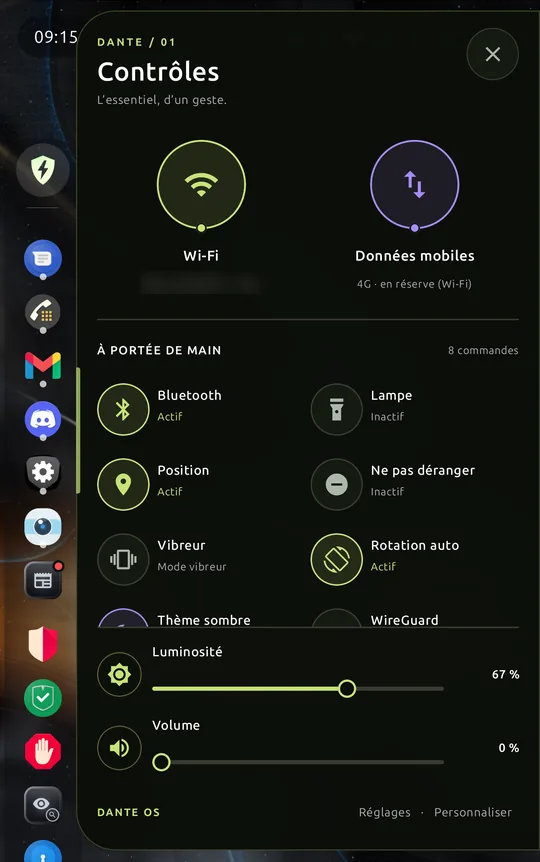
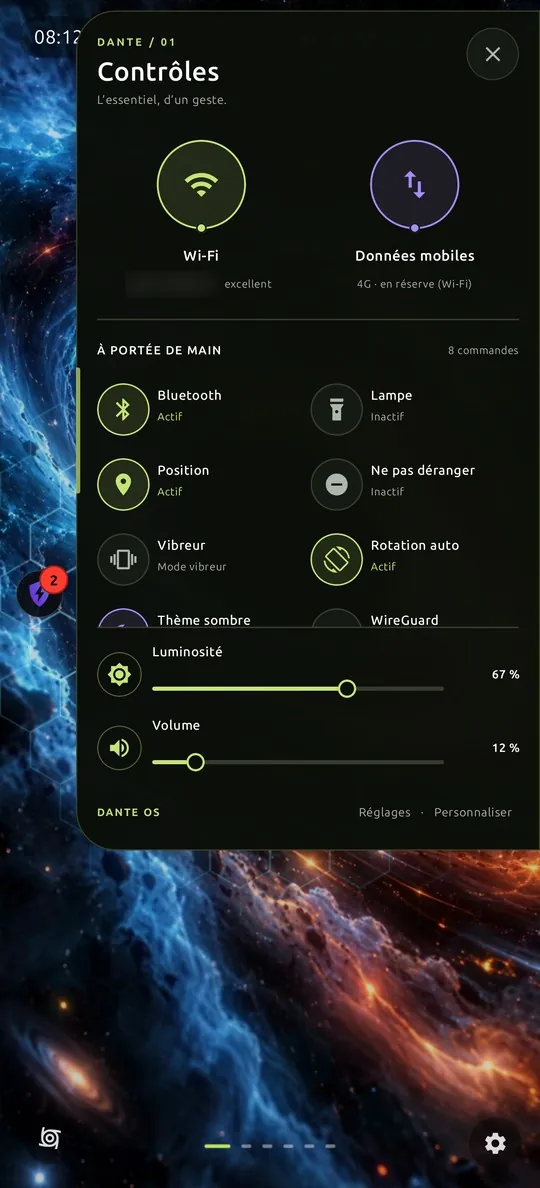
Swipe down from the top of the screen (within the first centimeters, even if you start on the clock or a badge): the "Controls" panel opens, wherever you are in Dante.
At the top, Wi-Fi and mobile data. Below, "Within reach": Bluetooth, flashlight, location, Do not disturb, rotation, dark theme, hotspot, and in full mode DNS filter, firewall, WireGuard… "Customize", at the bottom, picks which ones. At the very bottom, brightness and volume.
Tips
If the gesture does not respond, start higher on the screen and swipe down firmly.
In pictures
In the same section : The notification center