Dante OS
No root
The desktop menu (⚙ button)
The menu for arranging everything.
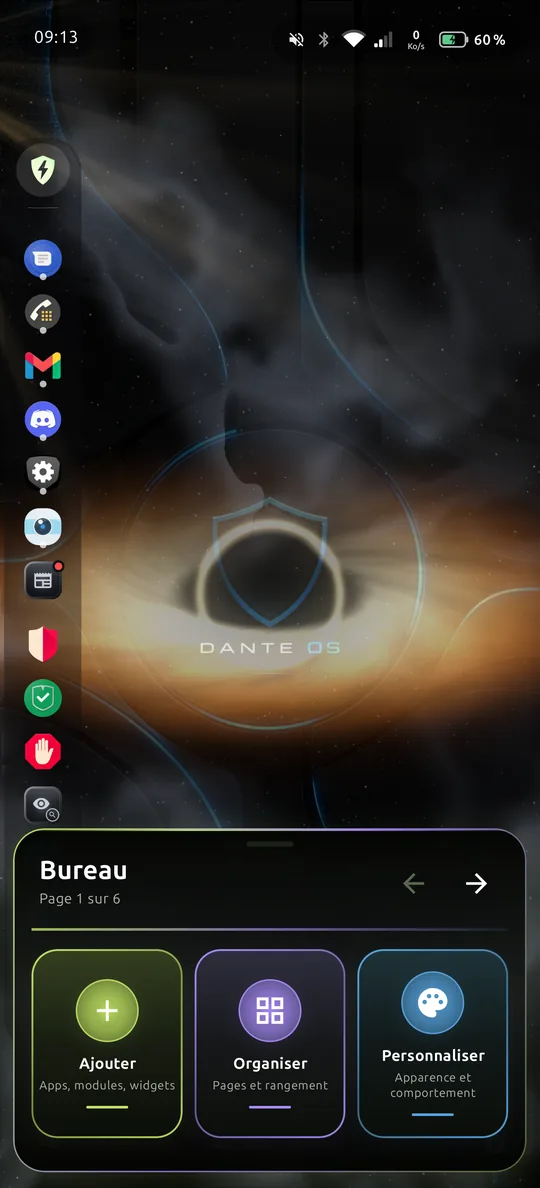
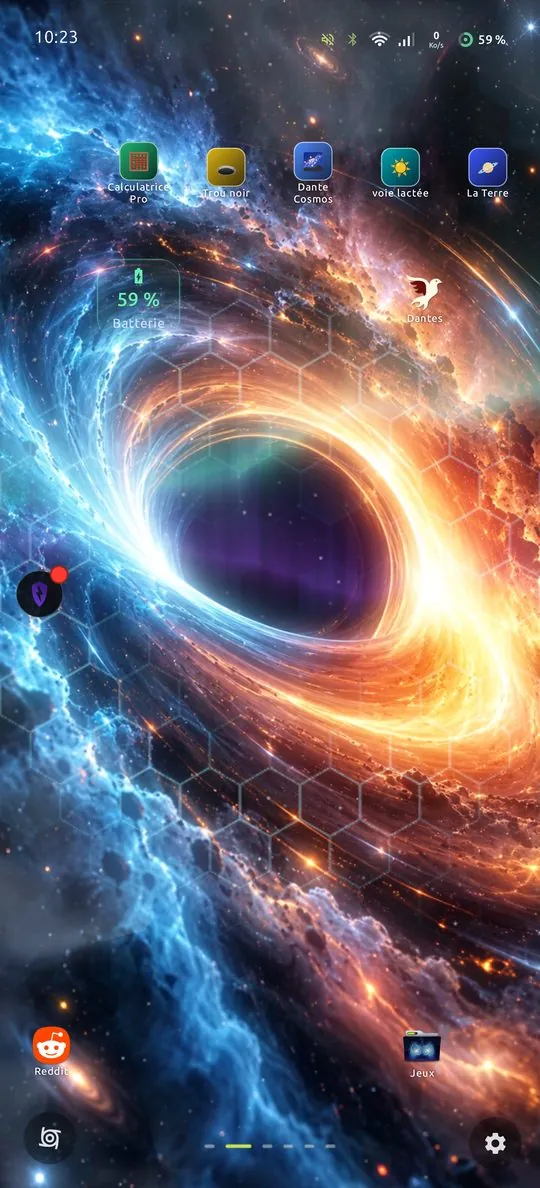
Tap the ⚙ button at the bottom right of the desktop: a menu opens at the bottom of the screen, with three tiles. The arrows at the top of the menu move from one desktop page to another.
• Add: an app or a module, a Dante widget, an Android widget, placed on the page shown.
• Organize: "Move" (drag widgets and pull their corners, then "Done"), "Arrange page" (everything lines up on the grid), "All pages" (the same everywhere; "Undo arrangement" appears right after), "Add page" (6 maximum) and "Delete page" (its items move to the other pages, nothing is erased).
• Customize: Dante Engine, Icons, Wallpaper, Dock, Widgets, Notifications and Backup.